Set WebSocket Connection
Action → Plugin → TaskerHA → HA Set WebSocket Connection
Starts or stops the WebSocket connection from a Tasker task. Useful for switching which Home Assistant instance is active, or for pausing the connection when it is not needed.
How to use
- In Tasker, open a task and tap + → Plugin → TaskerHA → HA Set WebSocket Connection.
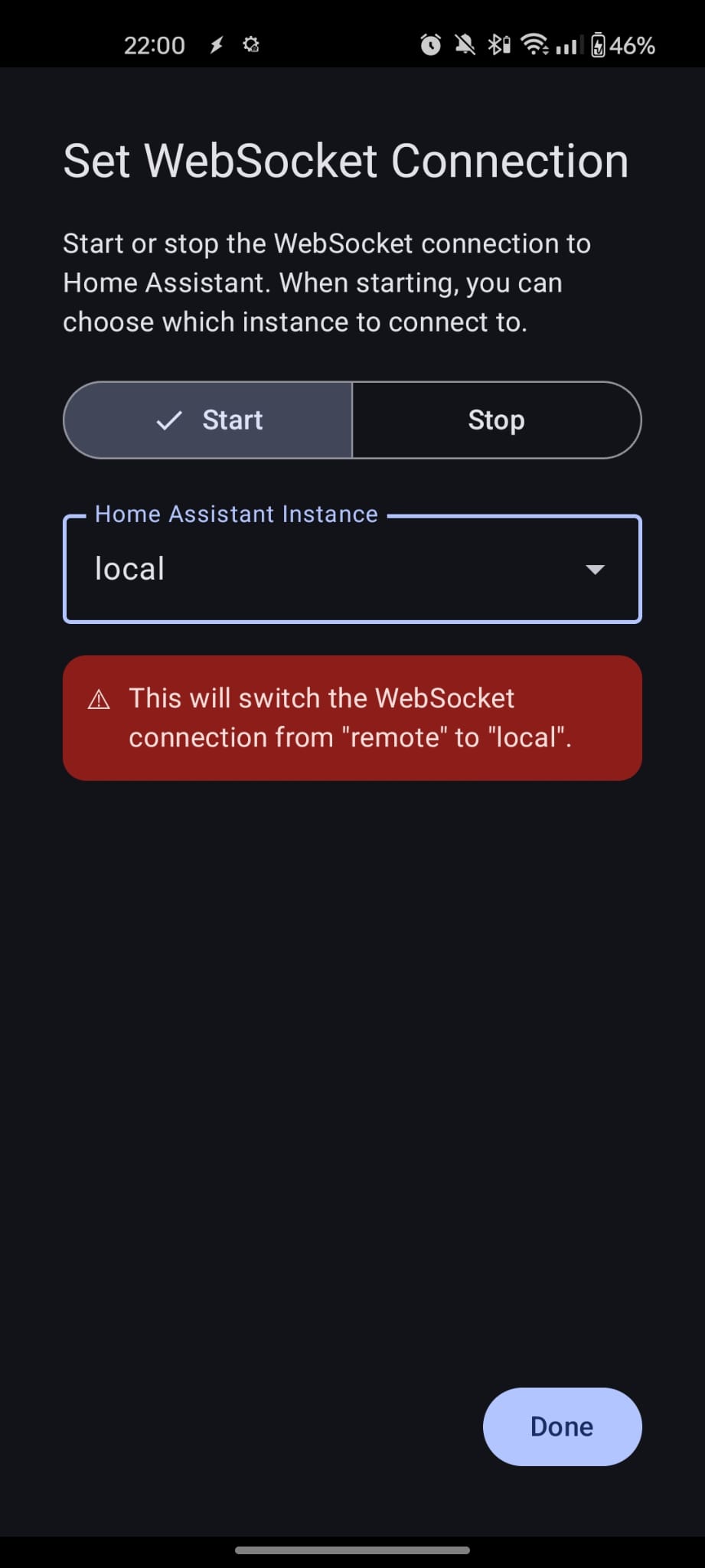
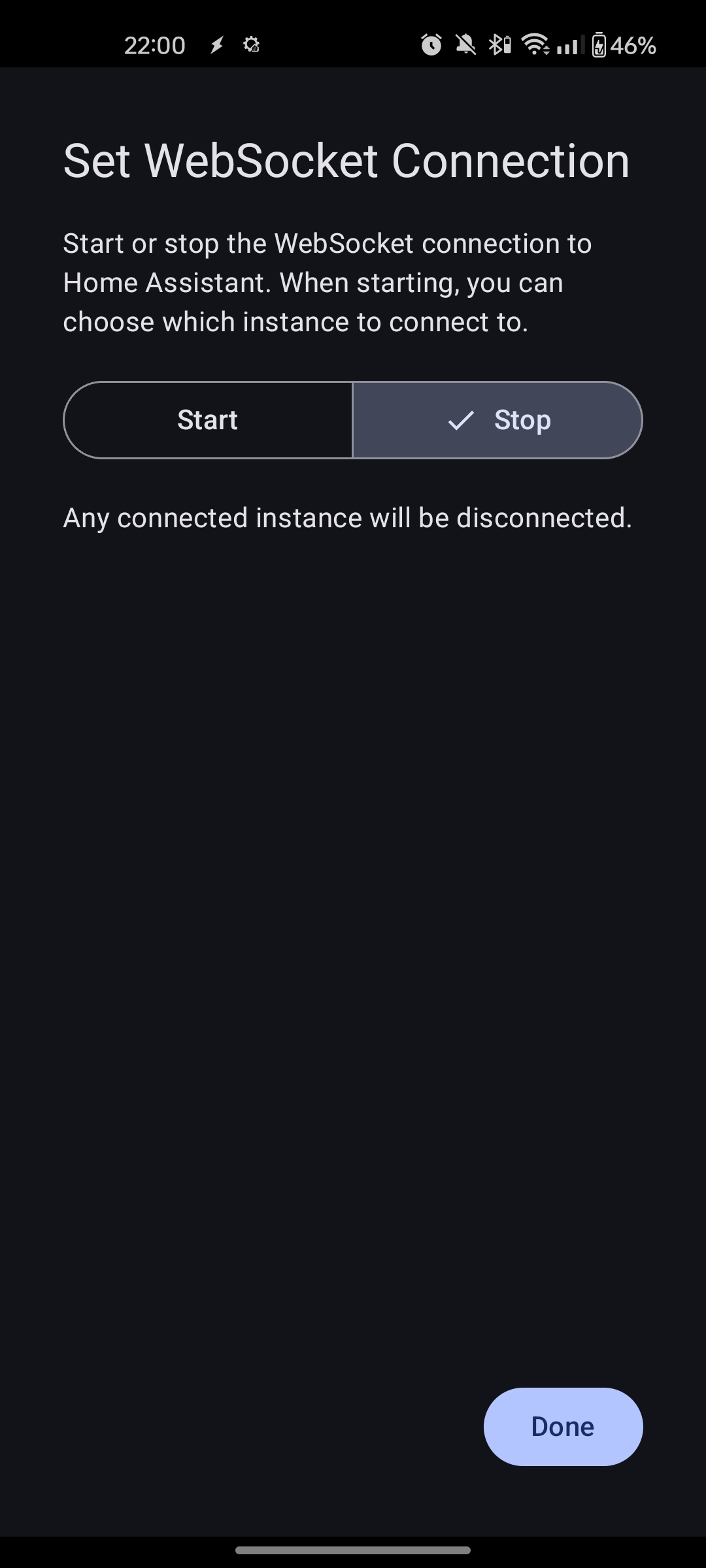
- Choose Start or Stop.
- If Start is selected, choose the instance to connect to.
- Tap Done.
Start
Connects to the selected instance and starts the WebSocket service. If a different instance is already active, a warning is shown in the configuration screen — the existing connection will be replaced when the action runs.
Stop
Stops the WebSocket service entirely. Profiles that rely on the WebSocket (Trigger State Change, Direct Message from HA) will stop firing until the connection is started again — either manually in the app or via another Set WebSocket Connection action.
Example — Switch instance based on location
Use a Tasker location profile (or a WiFi SSID profile) to automatically switch to a different Home Assistant instance when you arrive at a second location:
- Profile fires on entry.
- Set WebSocket Connection → Start → select the second instance.
On exit, a second profile switches back to the primary instance.
Screenshots